
There are many different open source programs that are great for graphic design. This software is the full version completely free with no watermarks. These programs are all available on Windows, Mac, and Linux.
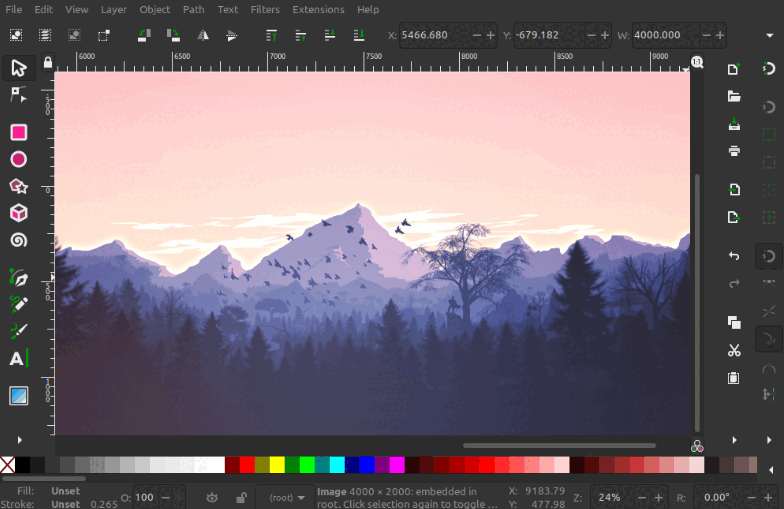
1. Inkscape
Inkscape is free vector graphic editing software for both personal and professional use. It's designed to be quick, intuitive, and compatible with a wide range of media formats. Perfect for editing images, vector graphics, art, and more.
- Vector Graphics
- Trace Bitmap
- Layers
- Fill and Stroke
- Cross Platform
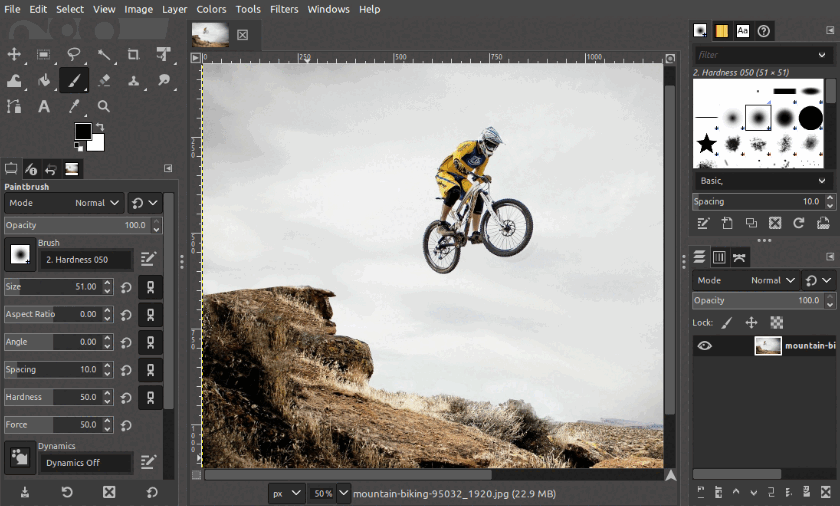
2. GIMP
GIMP is free image editing software for both personal and professional use. It's designed to be quick, intuitive, and compatible with a wide range of media formats. Perfect for editing images, graphics, art, and more.
- Image Editing
- Layers
- Masking
- Color
- Cross Platform
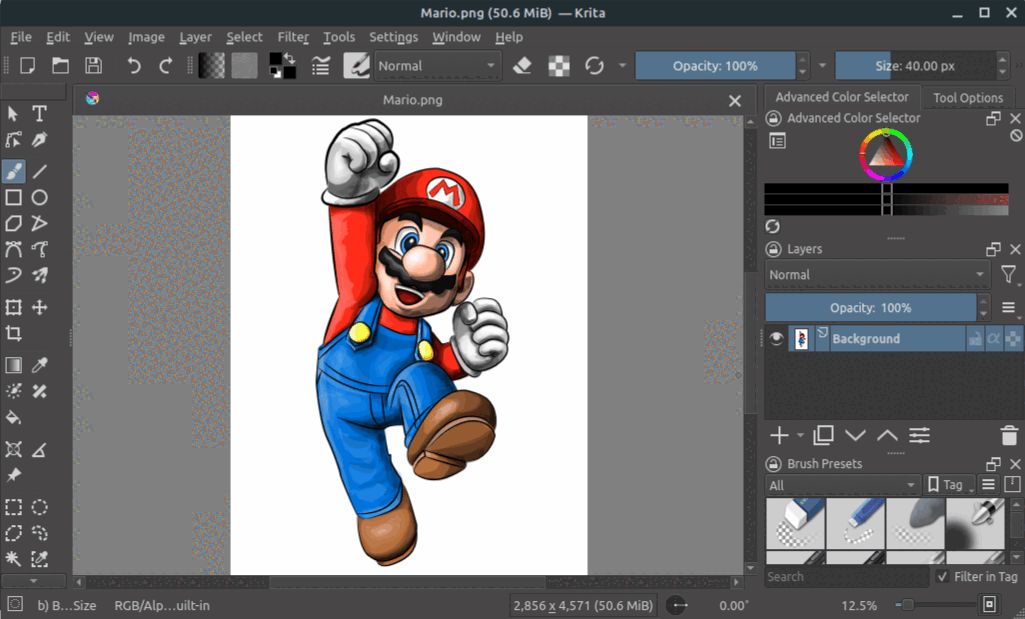
3. Krita
Krita is free digital painting and 2D animation software for both personal and professional use. It's designed to be quick, intuitive, and compatible with a wide range of media formats. Perfect for editing images, graphics, art, and more.
- Digital Painting
- 2D Animation
- Onion Skin
- Layers and Keys
- Cross Platform
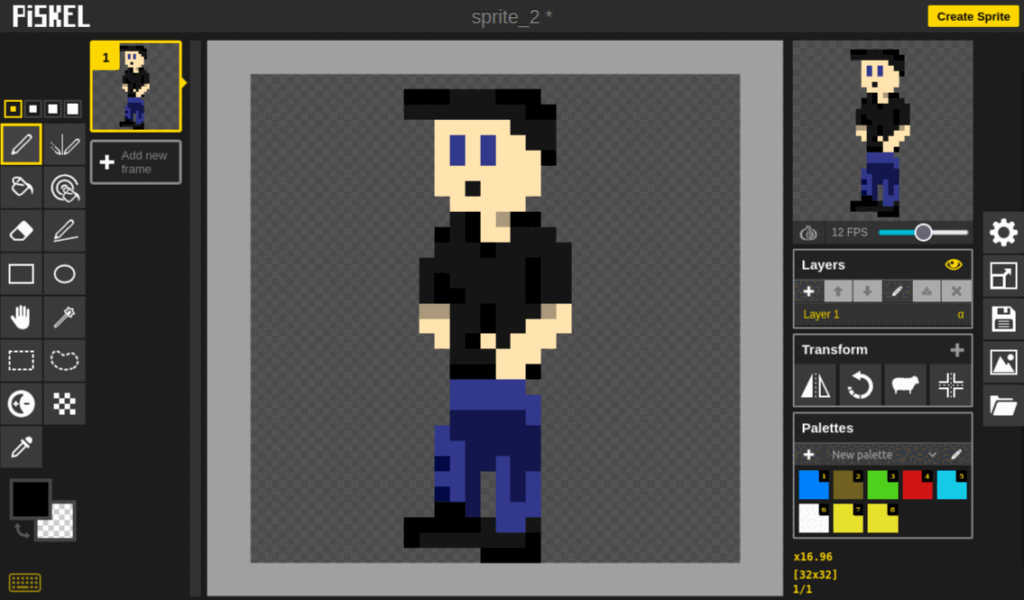
4. Piskel
Piskel is free pixel art software for both personal and professional use. It's designed to be quick, intuitive, and compatible with a wide range of media formats. Perfect for animating and creating pixel art.
- Import Pixel Art
- Layers
- Animate
- Color Palettes
- Cross Platform
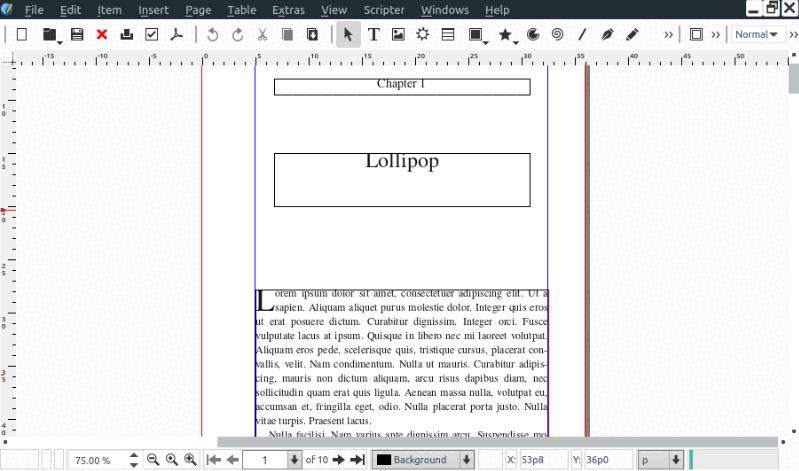
5. Scribus
Scribus is free desktop publishing software for both personal and professional use. It's designed to be quick, intuitive, and compatible with a wide range of media formats.
- Desktop Publisher
- Writing
- Create PDFs
- Templates
- Cross Platform
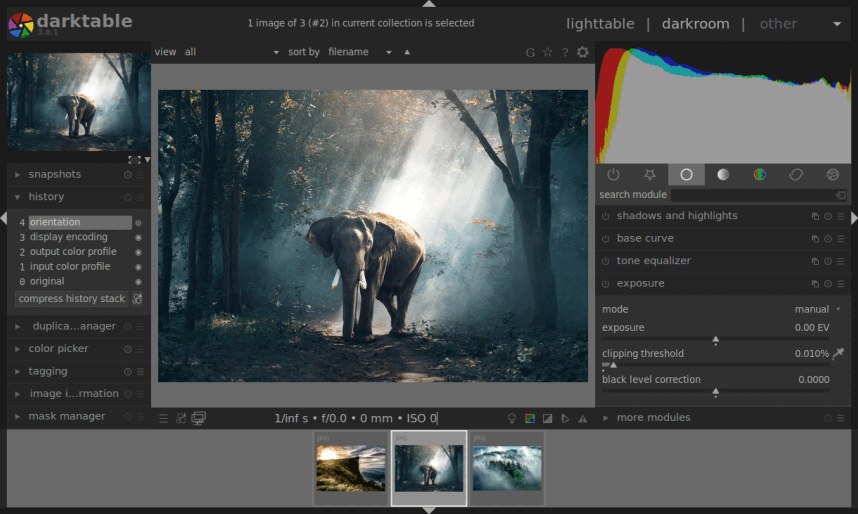
6. Darktable
Darktable is free image color grading software for both personal and professional use. It's designed to be quick, intuitive, and compatible with a wide range of media formats.
- Color Grading
- Raw Image Editing
- Effects
- Wide Variety Exporting Options
- Cross Platform